CamelCamelCamel Price Tracking: Alerts & Checklist

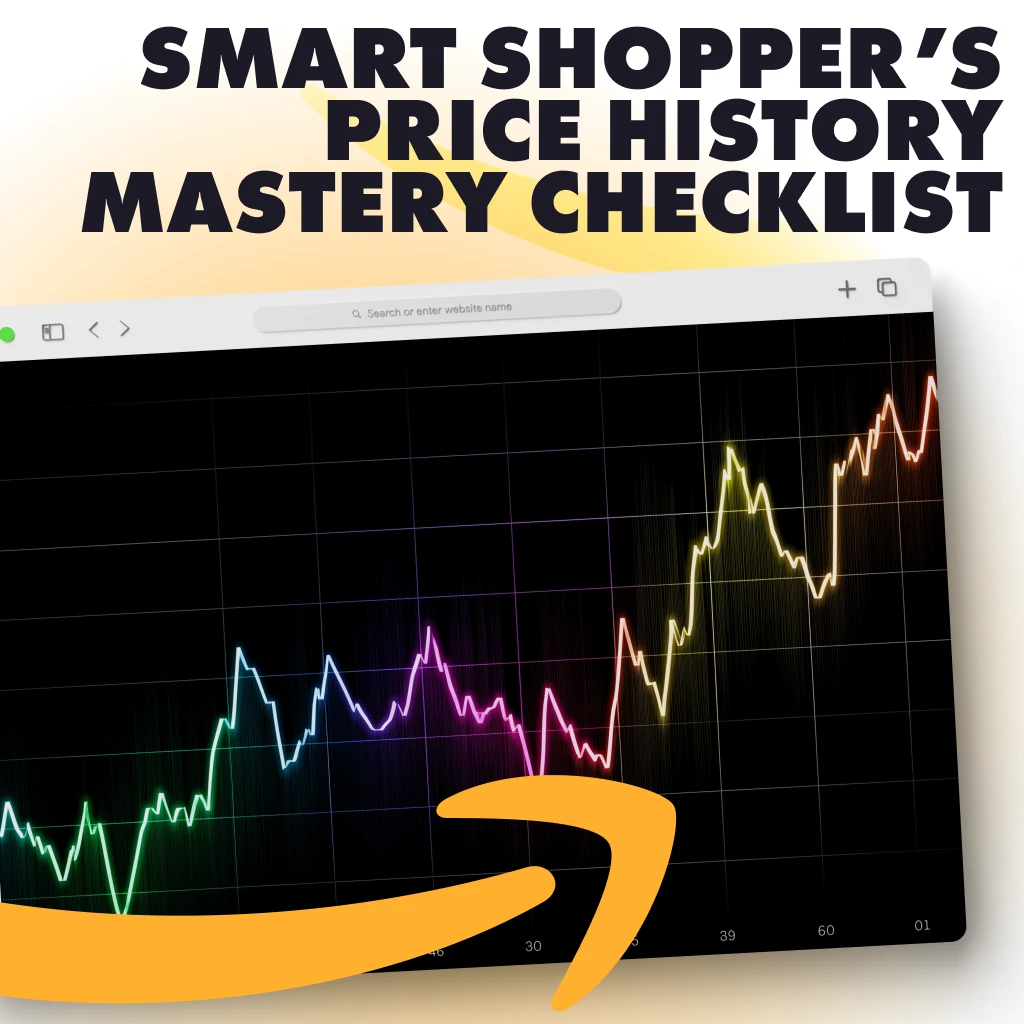
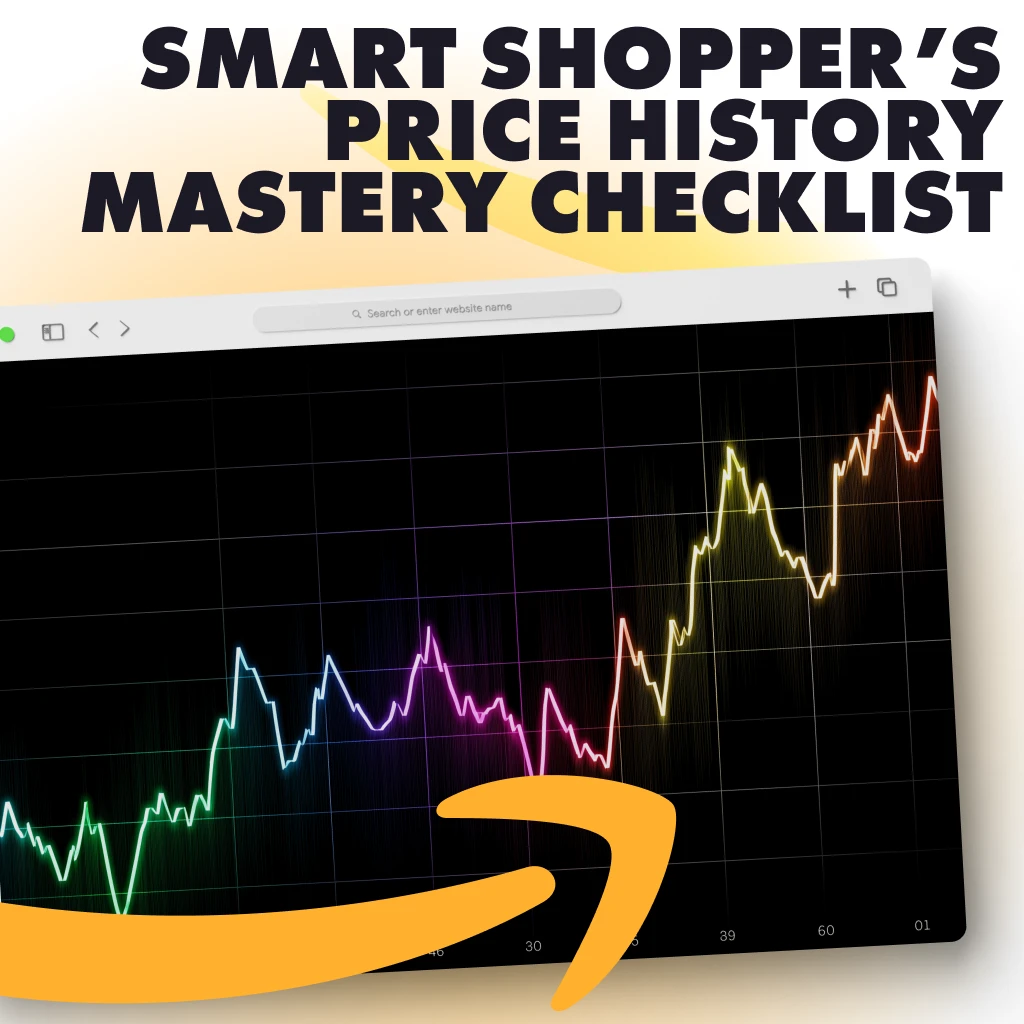
Master Price Tracking With CamelCamelCamel: A Step-By-Step Guide and Checklist for Smarter Amazon Buys
Buying at the wrong time is the fastest way to overspend online. Our team built this digital guide for shoppers who want a repeatable process: check price history, decide what a “good price” really is, set alerts, and wait with confidence. It’s structured as a step-by-step walkthrough plus a practical checklist, so price tracking becomes a habit instead of a hassle. For more guidance, see Case 4:20-cv-02782 Document 1 Filed 04/21/20 Page 1 of 49.
If you’re new to tracking, the tool we reference throughout is CamelCamelCamel, a widely used Amazon price tracker. And because many listings shift between Amazon and third-party sellers, it also helps to understand how the marketplace works (see Amazon’s overview of Marketplace sellers). For further reading, see Do You Hate Haggling with Sellers Over Prices?.
What this guide helps you do (without guesswork)
- Turn “Is this a deal?” into a quick routine using price history charts instead of gut feelings.
- Set price drop alerts that match a real target price instead of impulse-buying on a small drop.
- Spot common pricing traps: short-lived spikes, coupon/variant confusion, and marketplace changes.
- Build a personal “buy price” for essentials, upgrades, and gifts—then automate the waiting.
- Use our checklist to track multiple items without losing the thread between alerts.
Quick start: the 5-minute setup that saves the most
Our team recommends you start with one item you already intend to buy soon. This keeps your first target realistic, and it makes the “wait vs. buy” decision feel easy instead of theoretical.
- Choose one product you already plan to buy (a household refill, accessory, or upgrade).
- Find the exact Amazon listing and confirm it’s the correct variant (size, color, bundle).
- Open the listing in CamelCamelCamel and scan the full-year history before looking at today’s price.
- Pick a target price based on the typical low range—not the highest peak.
- Create your alert and decide: buy now, wait, or watch for a better third-party offer.
Fast decision guide
| If the chart shows… | Do this next |
|---|---|
| A steady price with rare dips | Set a modest alert and buy when it hits the common low. |
| Frequent dips every few weeks | Wait; set an alert near the recurring low point. |
| A recent spike above the usual range | Do not rush; use longer history to avoid overpaying. |
| Wild swings and many sellers | Track Amazon price vs. third-party price separately and tighten filters. |
Step-by-step workflow (the exact sequence you’ll reuse)
This is the core of the ebook: a repeatable order of operations. When you follow the same sequence every time, you stop getting pulled around by “today’s price” and start making consistent decisions.
- Step 1: Confirm the exact item (variant accuracy) before trusting any chart.
- Step 2: Read the chart from right to left: today’s price vs. the last 30/90/180/365 days.
- Step 3: Separate Amazon price, third-party new, and third-party used to avoid mixed signals.
- Step 4: Identify the “normal band” (where the price spends most of its time) and the “deal zone” (the recurring lows).
- Step 5: Set an alert using your deal zone, then add notes so future-you remembers why the target was chosen.
- Step 6: Re-check on alert day: shipping cost, seller type, and any listing changes that affect comparability.
Checklist view: one item, one decision
Inside the guide, we turn the workflow into a checklist you can run in a minute. The goal is simple: one tracked item should lead to one clear decision.
- Variant confirmed (size/color/model) so your history matches your cart.
- History range checked (90–365 days) so you’re not fooled by a temporary sale or spike.
- Amazon vs. third-party prices compared so a “deal” isn’t just a marketplace shift.
- Deal-zone price chosen so your target is tied to reality, not emotion.
- Alert set + notes saved so tracking stays consistent across many items.
How to read price history like a buyer (not like a chart watcher)
Charts are only useful if you translate them into a buying rule. Our team recommends you focus on what repeats, not what’s dramatic.
Setting alerts that actually work (and don’t spam you)
Common mistakes our checklist prevents
Recommended downloads from our store (optional, but powerful)
- Master Price Tracking With CamelCamelCamel (Step-By-Step Guide + Checklist) — our main walkthrough and checklist for building your target price and alert plan.
- Master the Art of Comparing Products on Amazon (Digital Guide) — use this first when you’re torn between similar listings, then track the finalist(s) for price.
- Unlocking Amazon’s Multi-Currency Advantage (Ultimate Checklist) — helpful when you buy across regions/currencies and want a structured way to spot savings beyond simple price drops.
FAQ
Does CamelCamelCamel track Amazon price, third-party price, and used price separately?
Yes. CamelCamelCamel typically shows separate lines for Amazon, third-party new, and third-party used, which helps you avoid confusing a marketplace shift with a real deal. In our guide, you’ll choose alert types based on what you’re actually willing to buy so the notification is actionable.
Why doesn’t a coupon or on-page promo always show up in price history?
Price history charts usually reflect listed prices, not every coupon or limited promo mechanic that may apply at checkout. Use the chart to set a realistic target based on recurring lows, and treat coupons as a bonus when your alert triggers.
How far back should price history be checked before setting an alert?
A practical rule is 90–365 days depending on the item. Use longer history for seasonal products or higher-ticket purchases, and shorter windows for fast-moving essentials where pricing patterns repeat more quickly.










Leave a comment